
7 Websites with Video Background Examples for SaaS

Yusuf
Founder and lead designer at 925studios

The best video backgrounds aren't the most dramatic ones. They're the ones that make a product easier to understand while keeping the primary action obvious. That distinction matters because landing-page evidence summarized by MarketingProfs found that embedded video usually doesn't increase conversions and can slightly reduce them, while background video performed marginally better on form-based landing pages than on pages without video.
This list compares seven platforms for websites with video background as repeatable motion systems, not just attractive demos. Each one is judged by visual control, content workflows, conversion-focused layout, accessibility, mobile fallbacks, file weight, and what a product team can realistically ship. The right choice depends on whether you need rapid iteration, WordPress flexibility, editorial art direction, or production-level control.
Table of Contents
1. Webflow
Webflow is the strongest all-rounder for a SaaS marketing site that needs motion without giving up layout precision. Its native Background Video component accepts MP4, WebM, and MOV files up to 30 MB, and includes play and pause controls that help teams avoid treating accessibility as an afterthought. You can place the video behind a hero, add a poster image, apply an overlay, and bind surrounding content to a CMS.
That combination suits AI SaaS and fintech teams with several product pages, use-case pages, and campaign variants. Marketing can change copy and content through the CMS while the design system keeps spacing, typography, and interaction behavior consistent. Webflow's interactions also give designers meaningful control over scroll reveals and restrained motion without requiring a traditional frontend pipeline.

Where Webflow earns its place
The 30 MB upload cap is generous for a builder, but it isn't a performance target. Compress the source before upload, keep the clip silent, and create a strong poster image for slower connections and devices that won't autoplay. General implementation guidance recommends keeping background files around 5 MB or less, using MP4 or WebM, and serving a static image where video creates unnecessary loading cost, as explained by Scalify's background-video guidance.
Webflow's trade-off is complexity. It can approach the control of a hand-coded build, but advanced Lottie or WebGL work still benefits from engineering support. Pricing changes can also make long-term budgeting less predictable. For teams comparing implementation partners, this guide to Webflow design agencies for marketing sites is a useful next step.
Best fit: CMS-driven marketing sites where brand control and conversion layout matter as much as motion.
2. Squarespace
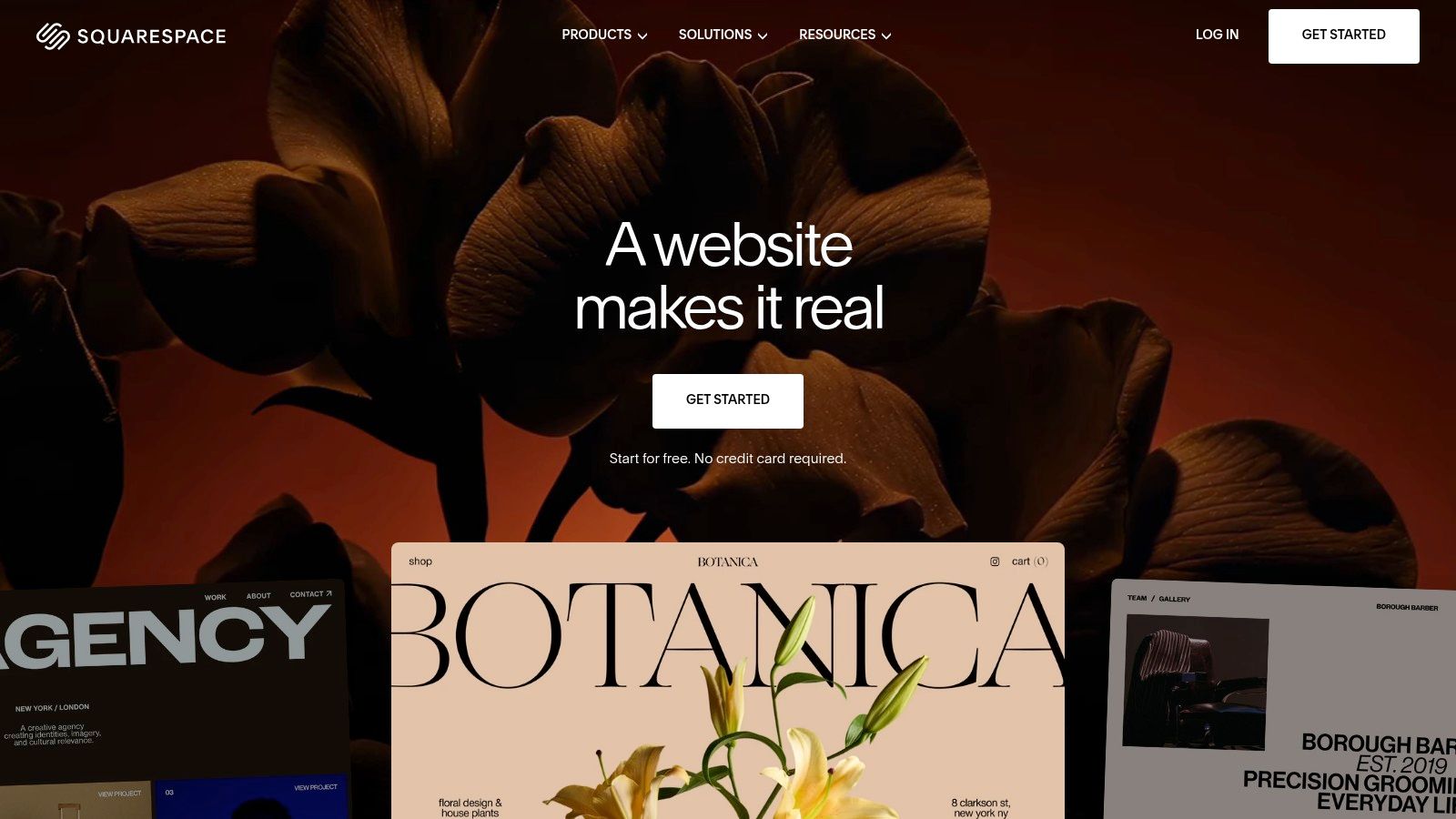
Squarespace is a practical choice when a founder needs a polished launch page without assembling a design and development workflow. You can add background video to page sections through a URL from YouTube or Vimeo, or use uploaded video files where the template supports them. Overlay controls and section styling make it possible to protect headline contrast without writing CSS.
The platform works well for a simple fintech launch, an AI consultancy, or a Web3 product that needs one clear action, such as joining a waitlist or booking a call. Its templates provide a useful starting point, while built-in email and basic analytics reduce the number of tools a small team has to connect before launch.
The convenience has limits
Third-party video hosting can introduce overlays or player behavior that doesn't belong in a clean hero. Configure the source carefully, then check the result on mobile rather than assuming the desktop preview tells the whole story. Browser policies are more conservative on phones, and Chrome's autoplay guidance makes clear that muted playback is central to autoplay behavior on mobile.
Squarespace also gives you less control over delivery than a custom implementation. You'll have fewer options for responsive video renditions, lazy-loading logic, and fine-grained playback rules. That matters when the motion is a major visual element or when the audience includes users on slower connections.
Practical rule: If the video supports one conversion action, keep the headline and button readable before the video loads. The page should still make sense with the motion removed.
Recent price increases have frustrated some users, so include the platform cost in the operating decision rather than evaluating only the visual editor. Squarespace is best when launch simplicity matters more than deep motion engineering.
Best fit: Founders who need an approachable, launch-ready page with modest motion requirements.
3. Framer
Framer is built for product and design teams that want to test ideas quickly, especially when the hero depends on motion. Its video, YouTube, and Vimeo components support playback triggers, including starting when the video enters the viewport. You can also connect video fields to CMS collections, so each page or template can display a different product clip without duplicating the layout.
That makes Framer especially useful for AI SaaS teams with a changing product story. One template can show an agent workflow on one page, a dashboard interaction on another, and a customer-specific motion asset elsewhere. The marketing team gets room to iterate without asking engineering to rebuild every hero variation.
Fast iteration needs layout discipline
Framer's native lazy-loading behavior and viewport-triggered playback support a more careful loading strategy. Mux's technical guidance shows why delivery format matters: for a 10-second hero loop, an animated GIF commonly weighs 4 to 8 MB, a self-hosted 1080p MP4 commonly weighs 8 to 15 MB, while HLS can deliver mobile renditions around 400 to 800 KB and desktop renditions around 2 to 4 MB. Those figures are documented in Mux's background-video HLS guidance.
Framer generally performs best when video is embedded through YouTube or Vimeo, while large self-hosted files require more care. Some tutorials also rely heavily on absolute positioning. That can produce a sharp desktop composition, but responsive behavior becomes fragile if the team doesn't define constraints for text, buttons, and the poster state.
For React animation references, this RemotionAI approach to React animation provides useful context beyond no-code page building. Teams that need deeper custom behavior may eventually want a coded implementation.
Best fit: Motion-heavy marketing sites where designers and marketers need to iterate rapidly.
4. Wix, Editor and Wix Studio
Wix Studio's transparent-video alpha channel lets a Web3 team layer brand motion over a dark interface without building a custom effect. Set the poster fallback before publishing, because the alpha treatment does not replace a usable still state. Wix Editor covers simpler campaigns with section and page video backgrounds, overlays, and media controls. Studio adds tighter grid control, responsive rules, and more deliberate art direction.
That combination suits a startup campaign site where the visual idea matters more than a complex CMS architecture. A fintech brand can use a restrained animated texture behind its product statement, while a Web3 team can keep translucent motion behind a short headline and primary action. The media library and tutorials also support handoff when no frontend developer owns the page.
Set the fallback inside the editor
In Wix, set the section's mobile video to “off” and assign a poster image in the Style panel before checking the desktop preview. Confirm that the overlay keeps text readable and that the section still has useful height when the video disappears. This gives the reduced-motion and mobile experience a defined output instead of leaving the browser to decide.
Browser restrictions, device behavior, and operating-system motion settings can prevent autoplay. Harvard's design guidance identifies autoplaying hero backgrounds as potentially disruptive or harmful for people with photosensitive epilepsy or vestibular disorders. Treat the static state and reduced-motion behavior as product requirements.
Moving visuals should support the message, not become the message. If a visitor pauses the background, the headline still needs to explain the product.
Wix remains approachable, but the final result depends on editor choices. Teams can still ship a crowded hero, weak contrast, or a heavy mobile experience if they accept the default video behavior without testing. Compare the builder's convenience with the implementation judgment described in this guide to AI website builder versus a design agency.
Best fit: Non-technical teams that need rich media controls, clear responsive setup, and an accessible fallback strategy.

5. Elementor on WordPress
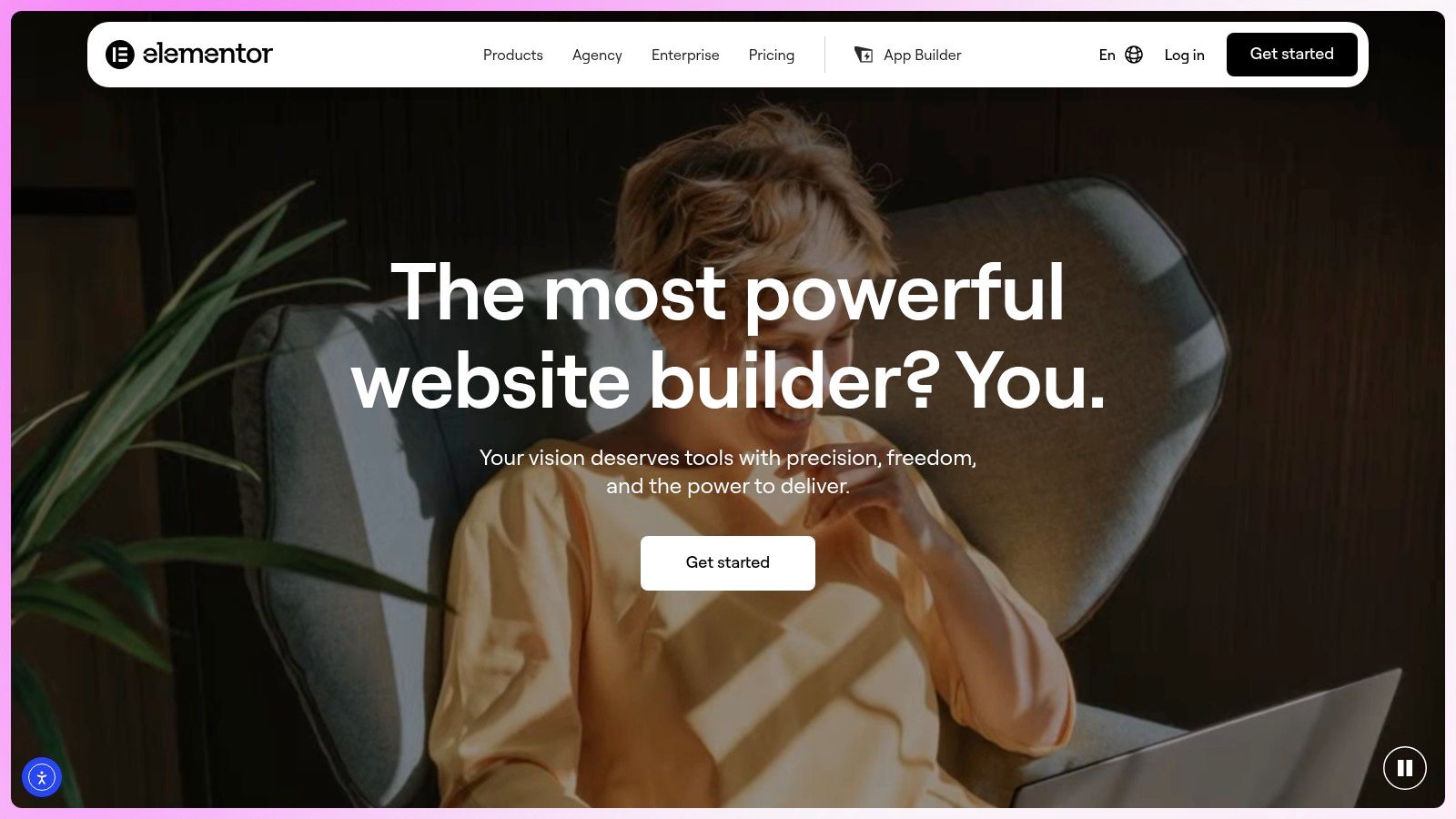
Elementor suits teams building a marketing site on an established WordPress stack. Its Sections and Containers support background video with start and end points, mute settings, and mobile fallbacks. Content teams can add motion without leaving the publishing system that already handles SEO, multilingual pages, plugins, and editorial updates.
That makes it practical for a fintech company extending an existing site, or an AI SaaS team publishing a large resource center. Apply video to one campaign hero, then keep product pages, documentation, and landing-page content inside the same WordPress structure. The motion system stays reusable rather than becoming a one-off custom build.
WordPress flexibility means more responsibility
Elementor's controls make the initial setup straightforward, while browser behavior still determines the final result. Desktop autoplay may work in Chrome, yet a phone may display only the poster image. Set that static image deliberately, preserve the headline and call to action, and give the section a useful height when playback is unavailable.
Motion should support brand recognition, not carry product meaning. Keep key claims, interface context, and conversion instructions in HTML text so visitors can understand the offer with the video paused or absent. For automatic motion that continues beyond a brief moment, follow WCAG 2.2 Success Criterion 2.2.2 (Pause, Stop, Hide) as interpreted in the W3C's Media Accessibility Planning guide. Captions, transcripts, audio description, or another accessible alternative may still apply when the media communicates information.
Elementor's main trade-off is maintenance. Themes, plugins, caching layers, and custom CSS can change playback, loading, and section height. A product team may need theme-level adjustments to define mobile behavior and test the result across browsers. That work is reasonable when WordPress already powers the business, but a new site may ship faster on a more contained platform.
Best fit: WordPress-led teams that need plugin, SEO, and publishing flexibility alongside straightforward hero video controls.
6. Tilda
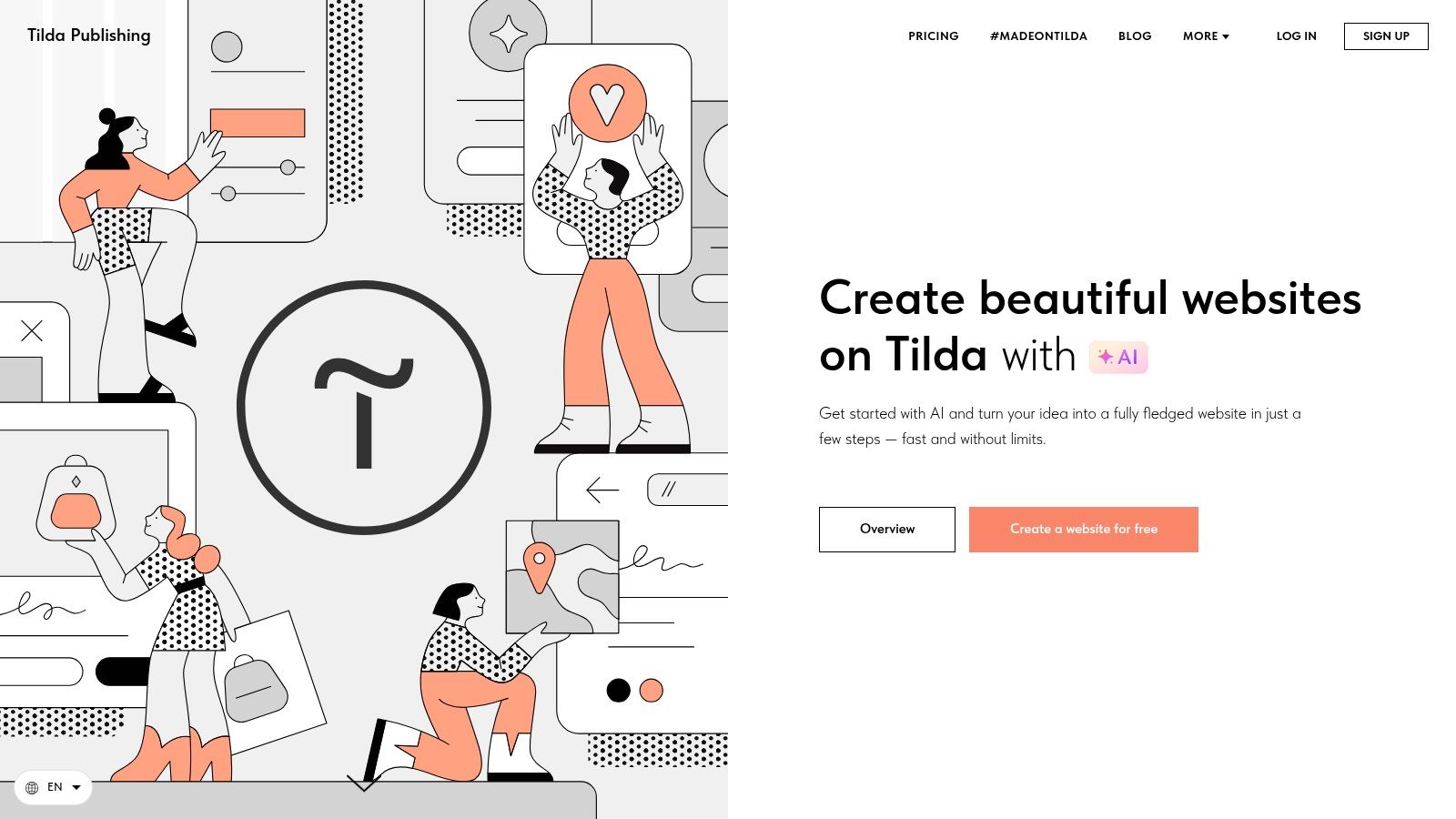
Tilda's Cover blocks let a fintech team place a muted product clip beneath one headline and call to action without custom coding. The trade-off is clear: advanced interaction logic and unusual responsive behavior usually move into custom code. Cover blocks accept uploaded files, HTML5 links, or YouTube, with overlay and poster controls for shaping the hero.
That workflow suits a page where typography, pacing, and image treatment carry the brand. A fintech team can introduce a human outcome before showing interface details. An AI SaaS company can place a restrained system animation behind a short statement, then lead visitors into proof, workflow, and one conversion path.
Use the motion as atmosphere
Tilda combines clean typography, flexible blocks, and art-directed composition. Teams can ship an editorial marketing page quickly, but Tilda is not production-grade video infrastructure. A product team may need custom code for advanced interactions, unusual breakpoints, or more app-like behavior.
Keep the video decorative. The headline, product context, and call to action should remain understandable with motion paused or unavailable. If automatic motion continues for more than five seconds, provide a way to pause, stop, or hide it, following Accessible Web's guidance on background-video controls. Short, quiet loops also reduce the amount of work the browser must handle compared with constant visual activity.
Tilda's smaller ecosystem than Webflow or WordPress affects integrations, hiring, and expansion. It works well for a focused brand site, while teams building a deeper marketing system may outgrow its block-based approach.
Best fit: Brand-led pages that need strong storytelling, typography, and straightforward video covers.
7. Cargo
Cargo's Backdrops let you pin a full-bleed video to the page background, adjust fill and opacity, and layer text above it. The setup can create a strong opening for a creative studio, founder portfolio, or brand launch, but it requires a fallback image wherever motion is disabled or unavailable.
Use footage that supports the brand rather than competing with the message. Keep the headline, product context, and primary action readable over bright areas, faces, and rapid contrast changes. A short visual statement with one deliberate action is easier to ship and test than a page built around constant motion.
Cinematic needs a delivery plan
Cargo suits art-directed pages better than standard conversion funnels filled with product navigation, comparison content, documentation, and repeated forms. Its unconventional marketing stack can limit integrations and expansion, while large background videos add compression, CDN, and mobile testing work. If the backdrop delays the first useful view, the visual trade-off is poor for a product team.
Set the video as decorative content and preserve a clear route through the page with motion paused. Provide captions or other alternatives when the footage carries meaning, and make sure text and controls remain usable against every frame. Test reduced-motion behavior, fallback images, muted playback, and smaller screens before launch.
Cargo works when sparse content and deliberate composition carry the brand story. It is not the default choice for AI SaaS or fintech teams that need a conventional marketing system, but it can give an art-directed launch a distinctive, shippable motion layer.
Best fit: Portfolio-grade, cinematic sites where art direction matters more than a conventional marketing stack.
Video Backgrounds: Top 7 Website Builders
Platform | Implementation complexity | Resource requirements | Expected outcomes | Ideal use cases | Key advantages |
|---|---|---|---|---|---|
Webflow | Medium, visual builder with designer-level controls and interactions | Moderate, hosted CMS, video upload limit (30 MB) requires pre-compression | Production-grade, pixel-perfect marketing sites with interactive backgrounds | SaaS/product marketing sites needing fine design control and CMS | Pixel-level control, accessible defaults, strong docs & designer ecosystem |
Squarespace | Low, quick point-and-click setup | Low, hosted; supports YouTube/Vimeo or uploads (may show third-party overlays) | Launch-ready landing pages with background motion and commerce features | Founders needing fast, non-developer pages and basic marketing | Very fast implementation, solid templates, integrated marketing tools |
Framer | Low–Medium, fast iterative builder for design/product teams | Moderate, CMS video binding; prefers hosted embeds for best performance | High-motion, on-brand hero sections and dynamic video swapping | Product/design teams iterating on motion-heavy pages | Rapid iteration, CMS binding, built-in performance guidance |
Wix (Editor & Studio) | Low, approachable UI; Studio adds pro controls | Low–Moderate, rich media library, supports transparent video; plan for fallbacks | Media-rich brand backdrops and looping heroes | Non-technical teams needing easy media features and tutorials | Very approachable, extensive media features, Studio for pro-grade control |
Elementor (WordPress) | Medium, page-builder inside WordPress; may need theme tweaks | Moderate, WordPress hosting/plugins; SEO and multilingual toolchain | Flexible, SEO-friendly sites with per-section video control | Sites requiring WordPress ecosystem benefits and granular control | Combines WP flexibility with easy background-video controls |
Tilda | Low–Medium, block-based, design-forward builder | Low, block system with fewer third-party integrations; custom code for advanced cases | Elegant, editorial-style marketing pages with smooth overlays | Brand storytelling and editorial marketing landing pages | Strong typography/layouts and straightforward hero block system |
Cargo | Low, portfolio-focused builder with backdrop controls | Low–Moderate, good for small sites; large videos need compression/CDN planning | Cinematic, art-directed hero experiences and minimalist portfolios | Creative studios and portfolio sites prioritizing aesthetics | Distinctive, cinematic aesthetics and fine controls for content legibility over video |
Turn Motion Into a Shippable Brand System
The platform decision should follow the team's operating reality, not the most impressive demo. Webflow is the strongest choice when you need granular control, CMS-driven marketing pages, and a visual system that can support many campaigns. Framer is better when the team is testing motion-heavy concepts and wants fast iteration across templates. Squarespace and Wix make sense for approachable launches where a founder or marketer needs to publish without a traditional development workflow.
Choose Elementor when WordPress already powers your content, SEO, multilingual publishing, or plugin ecosystem. Choose Tilda when the page depends on editorial pacing, typography, and brand storytelling. Choose Cargo when cinematic art direction is the point and a conventional SaaS marketing stack isn't the priority.
The strongest websites with video background treat motion as one layer of a larger brand system. The video shouldn't explain the product by itself. It should reinforce the message, create a sense of place, show a product state, or give a static layout enough atmosphere to feel distinctive. If the visitor needs to watch closely to understand the offer, the media belongs in the content flow, not behind it.
Accessibility and performance need to be part of the design brief. A 2016 university web guidance page warned that video backgrounds could create problems with slow connections, unreadable overlays, and vestibular or audio-related accessibility issues. It recommended short clips of 15 to 30 seconds, muted playback, a pause button, a static fallback image, and avoiding infinite loops because they can increase CPU use and slow the page. The same direction appears in current standards planning, including W3C's media accessibility guidance.
Before launch, define the message behind the motion, compress the source, create a readable poster image, preserve contrast, respect reduced-motion preferences, test mobile playback, and keep the primary conversion action visible. If you can't explain what the video contributes, remove it and use a strong static image instead.
925 Studios brings product design, brand design, and frontend development together for AI SaaS, Web3, and fintech teams that need one creative partner from strategy through shipped pixels. That alignment matters when the hero, design system, responsive behavior, and conversion path all need to work as one product experience.
925 Studios designs and builds custom websites, product interfaces, brand identities, and design systems for AI SaaS, Web3, and fintech companies. If your background video needs to support a clear story, accessible interaction, and a page that can ship cleanly, visit 925 studios to discuss the work.

Let’s keep in touch.
Discover more about high-performance web design. Follow us on Twitter and Instagram.

