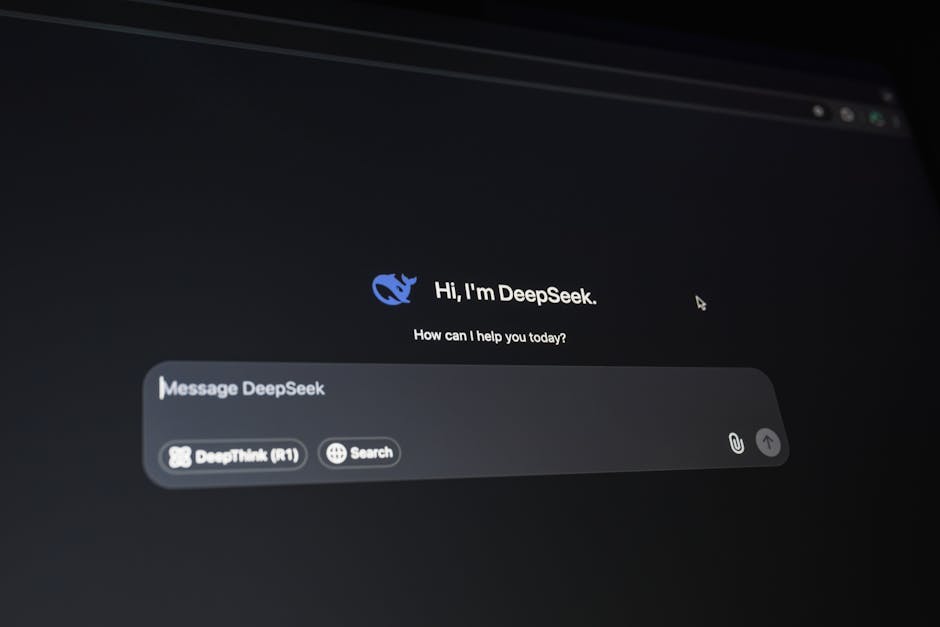
Why AI Products Fail Without UX Research in 2026

925studios
Creative agency for AI & Web3
Why AI Products Fail Without UX Research in 2026
90% of AI startups fail. That number gets repeated constantly, usually to explain why fundraising is hard or competition is fierce. But the real reason most AI products fail is simpler: users do not trust them, do not understand them, or do not know when to use them. Those are not engineering problems. Those are design problems that UX research solves before they become fatal.
925Studios has designed AI-powered products across fintech, healthtech, and SaaS. The pattern 925Studios sees repeatedly is teams that build impressive models, wrap them in a generic chat interface, and then wonder why adoption stalls after the initial demo excitement wears off.
TL;DR:
AI products fail when users cannot predict what the AI will do, understand why it did something, or correct it when it is wrong
The "just add a chat box" pattern fails because most tasks are not conversational
UX research reveals what users actually need from AI, which is rarely what engineers assume
Trust calibration (making users trust AI the right amount, not too much, not too little) is the core design challenge
The best AI products feel like tools, not magic. Users need to feel in control
The Demo-to-Product Gap
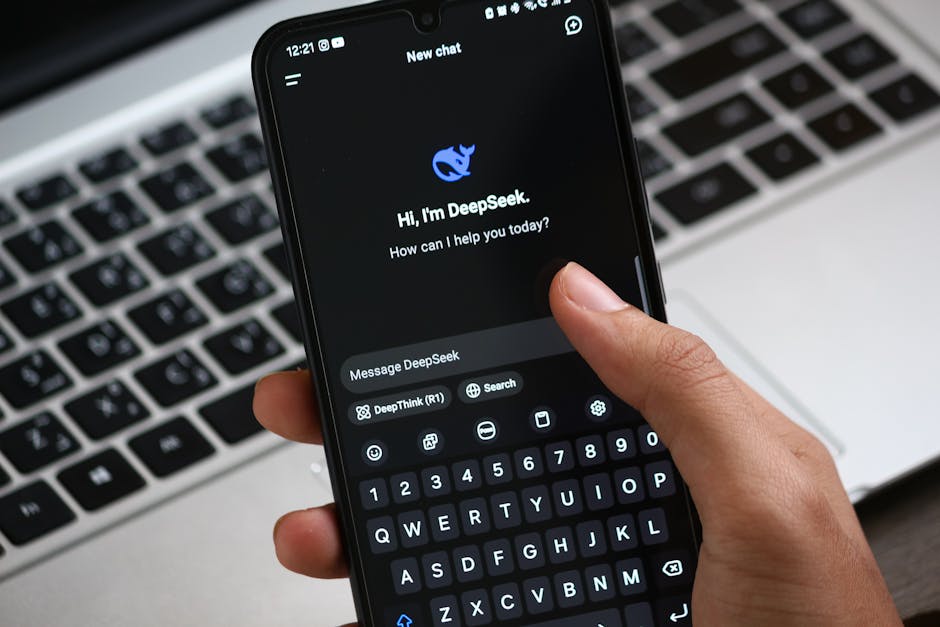
Every AI product has a demo moment that feels magical. The model generates something impressive. The founder records a Loom. Twitter goes wild. Then the product launches and usage drops off a cliff after week one.
This happens because demos and products solve different problems. A demo shows capability. A product needs to show reliability, predictability, and usefulness for a specific workflow. The gap between "this can do amazing things" and "this helps me do my job better every day" is where most AI products die.
UX research closes this gap by answering questions the engineering team is not asking:
What is the user trying to accomplish when they reach for this tool?
What does the user expect to happen when they give the AI an instruction?
How does the user recover when the AI output is wrong?
At what point does the user stop trusting the AI and do it manually?
These questions cannot be answered by looking at model benchmarks or running A/B tests on button colors. They require watching real users interact with the product and listening to what confuses, frustrates, or delights them.
The Chat Box Trap
ChatGPT created a template that every AI startup copied: put a text input at the bottom, show responses above, call it a day. This pattern works for ChatGPT because ChatGPT is a general-purpose tool. It does not work for most AI products because most AI products are not general-purpose.
When a user opens a writing assistant, they do not want to have a conversation. They want to highlight a paragraph and see three rewritten options. When a user opens an AI code review tool, they do not want to paste code into a chat. They want inline comments on their pull request. When a user opens an AI data analyst, they do not want to describe their question in natural language. They want to click on a chart and ask "why did this spike?"
The chat pattern is a cop-out. It puts the burden of figuring out the interaction model on the user instead of on the designer. UX research reveals the actual interaction patterns people want, which are almost always more structured, more contextual, and more visual than a chat box.
Trust Calibration Is the Real Design Challenge

The most important UX problem in AI is not "how do we make users trust AI." It is "how do we make users trust AI the right amount."
Over-trust is dangerous. A lawyer who trusts an AI to cite cases without checking will eventually submit hallucinated citations to a court (this has already happened, multiple times). A doctor who trusts an AI diagnosis without verifying will eventually miss something the model got wrong.
Under-trust is wasteful. A user who manually checks every AI suggestion spends more time verifying than they save from the automation. At that point, the AI is adding work rather than removing it.
UX research identifies where your users sit on this spectrum and what design patterns move them to the appropriate trust level:
Confidence indicators. Show users how certain the AI is about its output. Not as a raw probability (users do not think in percentages) but as visual cues: bold recommendations versus tentative suggestions, highlighted text that the model is confident about versus dimmed text that needs review.
Source attribution. When the AI makes a claim, show where that claim came from. Perplexity does this well by citing sources inline. For enterprise products, this means linking to the internal documents, tickets, or data points that informed the output.
Easy correction paths. The faster a user can fix wrong AI output, the more they trust the AI overall. This sounds counterintuitive, but it works because easy corrections signal "this tool knows it is not perfect, and it respects your expertise." Products that make corrections difficult signal "just trust us," which users never do for long.
Five AI UX Failures and What Research Would Have Caught
1. The blank prompt problem
Users open the product, see an empty text field, and have no idea what to type. They try something generic, get a mediocre response, and leave. UX research would have revealed that users need examples, templates, or constrained starting points rather than a blank canvas.
2. The wall of text response
The AI generates a 500-word answer when the user needed a 10-word answer. The user skims, misses the relevant part, and concludes the tool is not useful. Research would have shown that users scan AI output rather than reading it, and the design should front-load the answer.
3. The confidence mismatch
The AI presents all outputs with equal confidence, whether it is 95% certain or 40% certain. Users cannot distinguish reliable outputs from guesses. Research would have identified the need for visible confidence calibration.
4. The context loss on retry
The user's first prompt produces a bad result. They try to refine it, but the AI treats the second prompt as a new conversation rather than a refinement. The user gives up. Research would have shown that users expect iterative refinement, not restarts.
5. The automation surprise
The AI takes an action (sending an email, modifying a document, scheduling a meeting) without the user explicitly confirming. Even if the action was correct, the surprise erodes trust. Research would have established that users need to approve AI actions before execution, especially early in the relationship.
What Good AI UX Research Looks Like
Wizard of Oz testing. Before building the AI, have a human behind the curtain responding to user inputs. This reveals what users actually ask for, what response format they expect, and where they get confused. You get product direction without spending six months on model training.
Think-aloud protocols with AI output. Show users real AI output and ask them to narrate their thought process. "I would trust this because..." or "I would not use this because..." reveals the mental models that should inform your confidence indicators, source attribution, and correction flows.
Error recovery observation. Deliberately include wrong AI outputs in the test and watch how users react. Do they notice? How long does it take? Do they try to correct or abandon? This data shapes your error handling design more than any internal brainstorm.
Workflow integration testing. Watch users try to use your AI product within their actual daily workflow. Most AI products fail not because the AI is bad but because the product does not fit into how people actually work. A great AI tool that requires switching contexts three times to use will lose to a mediocre one that is embedded in the user's existing tools.
The Products Getting It Right
GitHub Copilot works because it is embedded in the editor, shows suggestions inline, and lets you accept with a single tab press. The AI fits the workflow rather than creating a new one.
Grammarly works because corrections appear inline with the text you are writing. You see the suggestion, you understand why it was made, and you accept or dismiss with one click. The interaction is contextual, not conversational.
Midjourney works despite using a chat interface because image generation is genuinely exploratory. You do not know exactly what you want, so the conversational "try this, now adjust that" pattern matches the task. The chat box works here because the task is creative, not operational.
The common thread: these products did extensive user research to understand how their specific users would interact with AI in their specific context. They did not copy ChatGPT's interface. They designed for their use case.
925Studios approaches AI product design the same way it approaches any complex interface: research first, then design. The AI model is the engine. The UX is what determines whether anyone actually drives the car.
If you're building a product and want a second opinion on your UX, talk to 925Studios. 925Studios works with SaaS, fintech, healthtech, web3, and AI startups.


Let’s keep in touch.
Discover more about high-performance web design. Follow us on Twitter and Instagram.

