Dec 3, 2025

Fundamental Principles of Effective User Interface Design for Web Applications

925 Studios

Effective user interface design isn't about flashy visuals or trendy aesthetics. It's about creating web applications that feel natural to use, reduce friction, and guide users toward their goals with minimal confusion. The most successful web applications share a common foundation: they're built on proven, fundamental UI design principles.

Research shows that 46% of users uninstall apps due to poor performance or unnecessary complexity, highlighting why clarity and simplicity matter. Whether you're designing a SaaS platform, fintech application, or healthcare tool, these 14 core principles will shape how users interact with your product.

For whom: Product designers, UX/UI teams, founders building web applications, and anyone responsible for user-facing digital products.

Key metrics: Consistent design reduces cognitive load and improves user retention. Accessible interfaces reach 26% more users. Proper feedback mechanisms increase user confidence and task completion rates.
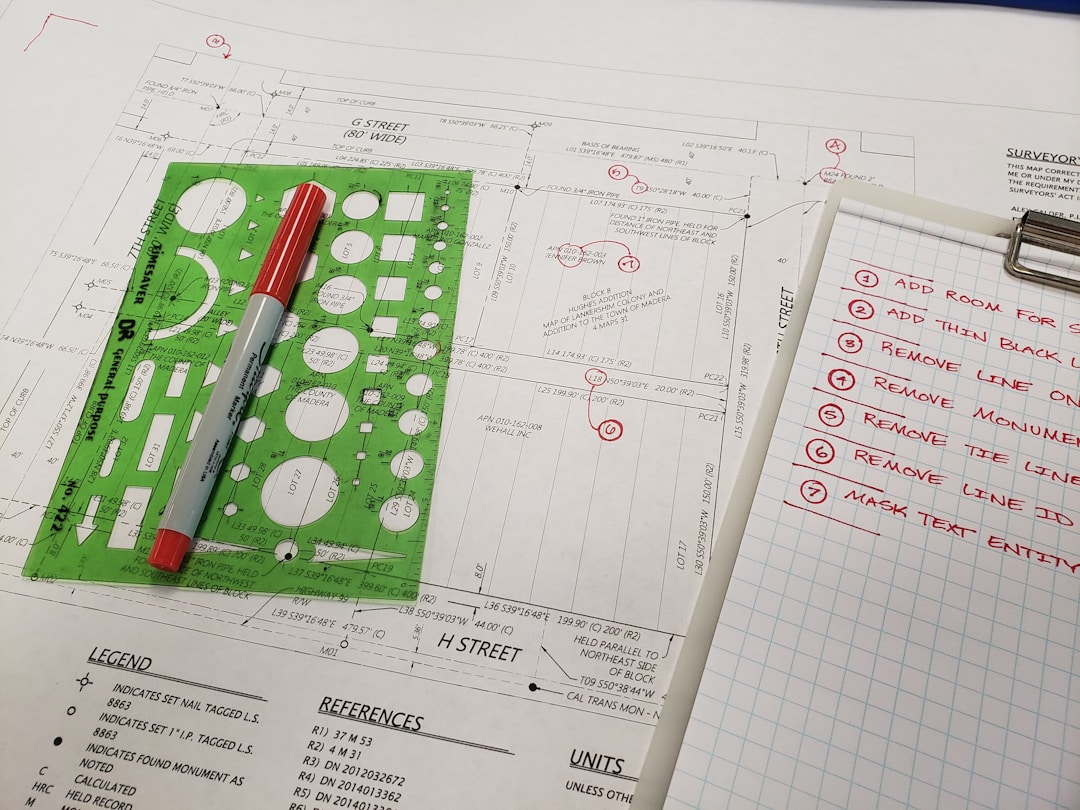
designer working on web application interface prototype

1. Place Users at the Center

The foundation of all effective UI design is understanding your users. Before designing a single button or screen, ask: Who are these users? What problems are they solving? What tasks are they trying to accomplish?

User-centered design means making decisions based on research, not assumptions. Conduct user interviews, analyze behavior patterns, and test designs with real users. This approach ensures your interface solves actual problems rather than perceived ones.

Why it matters: Products built without understanding user needs often feature overcomplicated workflows, confusing navigation, and poor adoption rates. User-centered design flips this: interfaces become intuitive and aligned with mental models users already have.

2. Strive for Clarity

Clarity means users understand what they can do on every screen and what will happen when they take an action. There should be no confusion about the purpose of elements, the flow between pages, or the next step in a process.

Achieve clarity through:

  • Clear, descriptive labels and microcopy

  • Obvious visual hierarchy showing what's important

  • Unambiguous navigation and information architecture

  • Consistent terminology across the interface

Unclear interfaces create support costs, user frustration, and abandonment. Clarity reduces these friction points and accelerates user onboarding.

3. Minimize Actions and Steps Per Screen

Each screen should have one clear purpose and primary action. Secondary actions should receive lighter visual weight or be placed deeper in the interface where users find them if needed.

This principle stems from cognitive load research: users can only hold a limited amount of information in working memory. Too many options overwhelm decision-making. When you focus each screen on a single task, you guide users more effectively and reduce errors.

Example: A SaaS checkout page should highlight the "Complete Purchase" button prominently while tucking secondary options like "Apply Coupon" into a collapsible section. This reduces cognitive load and improves conversion rates.
clean minimalist web app dashboard interface

4. Aim for Simplicity

Simplicity in UI design doesn't mean boring or featureless. It means every element serves a purpose, and unnecessary complexity is removed. Simple interfaces are elegant, timeless, and don't overwhelm users with options or visual noise.

Designing simple interfaces requires more discipline than adding features. It means:

  • Removing features that don't serve user goals

  • Using white space strategically to reduce visual clutter

  • Prioritizing content over decoration

  • Grouping related actions to reduce perceived complexity

Complex interfaces often appear when teams add features without removing outdated ones. Periodically audit your interface and remove what's no longer serving users.

5. Be Consistent

Consistent design is predictable design. When users learn how one feature works, that knowledge should transfer to similar features across the application. Consistency shortens the learning curve and reduces user errors.

Maintain consistency through:

  • Uniform button styles, colors, and interactions across all pages

  • Standardized navigation patterns and placement

  • Consistent terminology for the same concepts

  • Aligned visual hierarchy principles throughout

  • Design systems that enforce consistency at scale

As noted by UXPin, "Consistent design reduces friction for the user. A consistent design is predictable." This predictability is what makes products feel intuitive and professional.

6. Make Your UI Invisible

The best UI gets out of the way. Users shouldn't think about the interface; they should focus on their task. When users notice the design, it often means friction exists.

An invisible UI means:

  • Users can complete tasks without confusion about how to interact

  • Navigation feels natural and doesn't require thinking

  • Common patterns feel familiar from other products

  • Error states are rare and quickly resolved

This principle distinguishes great UI from mediocre UI. Mediocre interfaces force users to learn how to use them. Great interfaces let users focus on outcomes.

7. Provide Useful Feedback

Every action a user takes needs a response. Without feedback, users wonder if their action was registered or if something went wrong. Feedback increases confidence and satisfaction.

Effective feedback includes:

  • Visual confirmation when buttons are clicked

  • Loading indicators for processes that take time

  • Success or error messages explaining what happened

  • Status updates showing progress through multi-step tasks

  • Disabled states that prevent invalid actions

Immediate feedback creates a sense of responsiveness. Users feel in control when they understand system state at every moment.
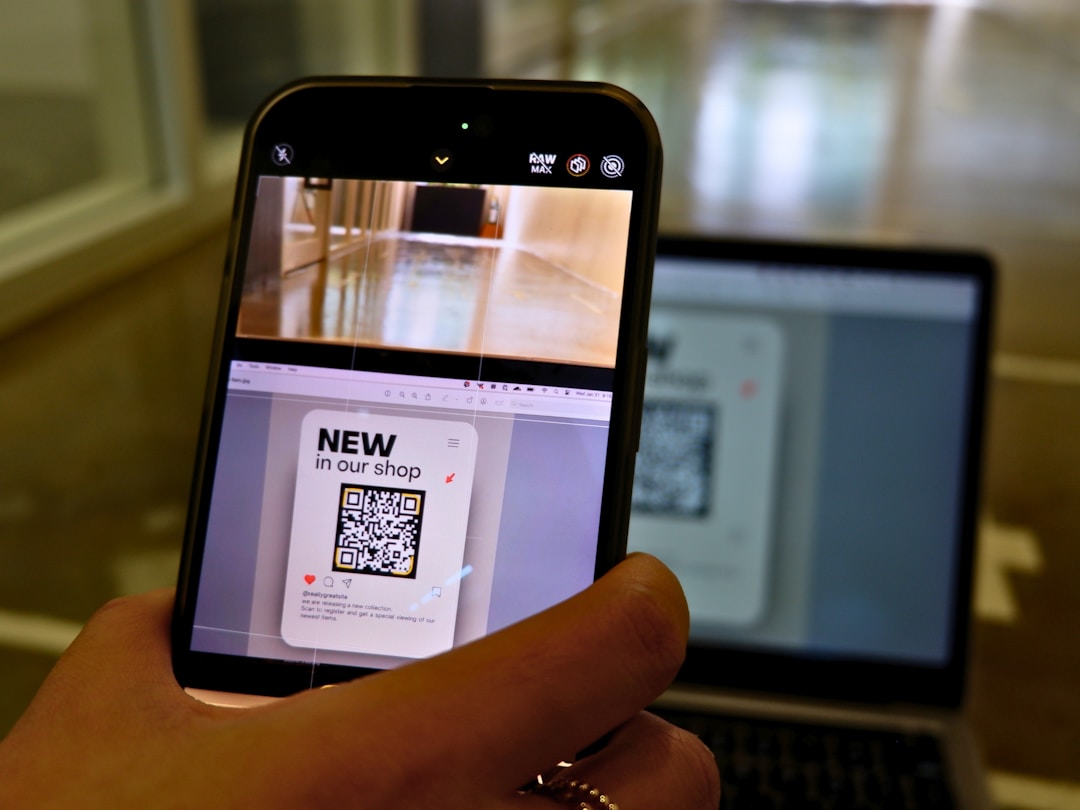
user interacting with responsive mobile web application

8. Reduce Cognitive Load

Cognitive load is the amount of mental effort required to use an interface. High cognitive load exhausts users and increases error rates. Reducing it is one of the most impactful design decisions you can make.

Reduce cognitive load by:

  • Chunking information into digestible pieces

  • Following the three-click rule: users should reach important content in three clicks

  • Using recognition over recall: show users options rather than asking them to remember

  • Applying familiar patterns and icons users recognize

  • Progressively revealing advanced features only when needed

Research in UX design shows that reducing cognitive load directly correlates with higher task completion rates and user satisfaction scores.

9. Make It Accessible

Accessible design isn't a feature; it's a fundamental requirement. Web accessibility ensures all users, including those with disabilities, can perceive, navigate, and interact with your application. Accessible interfaces reach approximately 26% more potential users.

Core accessibility principles include:

  • Don't rely solely on color to communicate information

  • Ensure proper color contrast for readability

  • Provide alternative text for images

  • Support keyboard navigation for all interactive elements

  • Use semantic HTML for screen readers

  • Test with assistive technologies and real users with disabilities

Accessible design benefits everyone: voice commands help busy users, captions aid comprehension in noisy environments, and clear navigation helps users of all abilities.

10. Incorporate Continuous User Feedback

Design isn't finished at launch. Collect feedback from real users, analyze how people actually interact with your interface, and iterate based on what you learn.

Methods for continuous improvement include:

  • User testing sessions with target audience members

  • Analytics tracking showing which features are used most

  • Heat mapping to visualize interaction patterns

  • User surveys and interviews

  • A/B testing variations of interface designs

Products that continuously evolve based on user data outpace static competitors. This iterative approach is how market leaders maintain their edge.

11. Design for Flexibility

Web applications are accessed across countless devices, screen sizes, operating systems, and network conditions. Flexible design ensures quality across all contexts.

Build flexibility through:

  • Responsive design that adapts to screen sizes

  • Touch-friendly interfaces for mobile devices

  • Fast loading times for users on slow connections

  • Adaptability to different browsers and platforms

  • Graceful degradation when features aren't supported

Inflexible interfaces that only work on desktop or in specific browsers immediately exclude users and damage your product's reach.

12. Establish Clear Visual Structure

Visual structure guides users through your interface. Hierarchy, color, spacing, and typography work together to communicate what's important and how elements relate to each other.

Create visual structure through:

  • Clear hierarchy: size and weight indicate importance

  • Strategic use of color to highlight key elements

  • Consistent spacing and padding between elements

  • Grid-based layouts that feel organized and familiar

  • Thoughtful typography that improves readability

Visual structure is how users quickly understand an interface without reading instructions. It's what makes complex applications feel approachable.

13. Ensure Dialogs Result in Closure

Users appreciate clear beginnings, middles, and ends. Multi-step processes like checkouts, onboarding flows, or form submissions should feel complete, not abandoned.

Effective closure includes:

  • Progress indicators showing how far users have progressed

  • Confirmation messages when major actions complete

  • Clear next steps or endpoints

  • Ability to review or modify choices before committing

  • Success pages that confirm the action completed

Without closure, users feel uncertain whether their action was successful, leading to duplicate submissions, support inquiries, and frustration.

14. Provide a Clear Next Step

Always guide users toward their next action. Whether a user just completed a task or arrived on a new page, there should be an obvious, compelling next step.

Guide users by:

  • Highlighting primary actions visually

  • Placing the next logical step prominently

  • Removing obstacles or decisions that slow progress

  • Using microcopy to explain what happens next

  • Offering suggestions for what to do after completing a task

Clear pathways reduce user friction and increase conversion rates. Users who know what to do next are more likely to complete desired actions.

How 925Studios Applies These Principles

925Studios is a design studio specializing in building world-class web and mobile applications for SaaS, AI startups, fintech, and healthcare companies. Every project applies these 14 fundamental UI design principles in service of measurable outcomes.

Our approach combines strategic thinking with premium visual design. We start by deeply understanding your users and their goals, then craft interfaces that guide them effortlessly toward outcomes that matter for your business. Whether designing conversion-focused websites, complex SaaS dashboards, or mobile applications, we build interfaces that are intuitive, accessible, and built to scale.

View our recent projects to see how these principles translate into products that users love and businesses rely on.

The Bottom Line

Effective UI design for web applications isn't complicated, but it requires discipline. User-centered thinking, clarity, consistency, simplicity, and accessibility form the foundation. Feedback, flexibility, and continuous iteration keep interfaces relevant as user needs evolve.

Products built on these 14 principles feel natural to use, reduce support costs, and achieve higher adoption rates. In competitive markets, these advantages compound into significant business impact.

Ready to apply these principles to your web application? Book a call with 925Studios to discuss your project and discover how strategic UI design can accelerate your growth.


Let’s keep in touch.

Discover more about high-performance web design. Follow us on Twitter and Instagram.

Dec 3, 2025

Fundamental Principles of Effective User Interface Design for Web Applications

925 Studios

Effective user interface design isn't about flashy visuals or trendy aesthetics. It's about creating web applications that feel natural to use, reduce friction, and guide users toward their goals with minimal confusion. The most successful web applications share a common foundation: they're built on proven, fundamental UI design principles.

Research shows that 46% of users uninstall apps due to poor performance or unnecessary complexity, highlighting why clarity and simplicity matter. Whether you're designing a SaaS platform, fintech application, or healthcare tool, these 14 core principles will shape how users interact with your product.

For whom: Product designers, UX/UI teams, founders building web applications, and anyone responsible for user-facing digital products.

Key metrics: Consistent design reduces cognitive load and improves user retention. Accessible interfaces reach 26% more users. Proper feedback mechanisms increase user confidence and task completion rates.

designer working on web application interface prototype

1. Place Users at the Center

The foundation of all effective UI design is understanding your users. Before designing a single button or screen, ask: Who are these users? What problems are they solving? What tasks are they trying to accomplish?

User-centered design means making decisions based on research, not assumptions. Conduct user interviews, analyze behavior patterns, and test designs with real users. This approach ensures your interface solves actual problems rather than perceived ones.

Why it matters: Products built without understanding user needs often feature overcomplicated workflows, confusing navigation, and poor adoption rates. User-centered design flips this: interfaces become intuitive and aligned with mental models users already have.

2. Strive for Clarity

Clarity means users understand what they can do on every screen and what will happen when they take an action. There should be no confusion about the purpose of elements, the flow between pages, or the next step in a process.

Achieve clarity through:

  • Clear, descriptive labels and microcopy

  • Obvious visual hierarchy showing what's important

  • Unambiguous navigation and information architecture

  • Consistent terminology across the interface

Unclear interfaces create support costs, user frustration, and abandonment. Clarity reduces these friction points and accelerates user onboarding.

3. Minimize Actions and Steps Per Screen

Each screen should have one clear purpose and primary action. Secondary actions should receive lighter visual weight or be placed deeper in the interface where users find them if needed.

This principle stems from cognitive load research: users can only hold a limited amount of information in working memory. Too many options overwhelm decision-making. When you focus each screen on a single task, you guide users more effectively and reduce errors.

Example: A SaaS checkout page should highlight the "Complete Purchase" button prominently while tucking secondary options like "Apply Coupon" into a collapsible section. This reduces cognitive load and improves conversion rates.

clean minimalist web app dashboard interface

4. Aim for Simplicity

Simplicity in UI design doesn't mean boring or featureless. It means every element serves a purpose, and unnecessary complexity is removed. Simple interfaces are elegant, timeless, and don't overwhelm users with options or visual noise.

Designing simple interfaces requires more discipline than adding features. It means:

  • Removing features that don't serve user goals

  • Using white space strategically to reduce visual clutter

  • Prioritizing content over decoration

  • Grouping related actions to reduce perceived complexity

Complex interfaces often appear when teams add features without removing outdated ones. Periodically audit your interface and remove what's no longer serving users.

5. Be Consistent

Consistent design is predictable design. When users learn how one feature works, that knowledge should transfer to similar features across the application. Consistency shortens the learning curve and reduces user errors.

Maintain consistency through:

  • Uniform button styles, colors, and interactions across all pages

  • Standardized navigation patterns and placement

  • Consistent terminology for the same concepts

  • Aligned visual hierarchy principles throughout

  • Design systems that enforce consistency at scale

As noted by UXPin, "Consistent design reduces friction for the user. A consistent design is predictable." This predictability is what makes products feel intuitive and professional.

6. Make Your UI Invisible

The best UI gets out of the way. Users shouldn't think about the interface; they should focus on their task. When users notice the design, it often means friction exists.

An invisible UI means:

  • Users can complete tasks without confusion about how to interact

  • Navigation feels natural and doesn't require thinking

  • Common patterns feel familiar from other products

  • Error states are rare and quickly resolved

This principle distinguishes great UI from mediocre UI. Mediocre interfaces force users to learn how to use them. Great interfaces let users focus on outcomes.

7. Provide Useful Feedback

Every action a user takes needs a response. Without feedback, users wonder if their action was registered or if something went wrong. Feedback increases confidence and satisfaction.

Effective feedback includes:

  • Visual confirmation when buttons are clicked

  • Loading indicators for processes that take time

  • Success or error messages explaining what happened

  • Status updates showing progress through multi-step tasks

  • Disabled states that prevent invalid actions

Immediate feedback creates a sense of responsiveness. Users feel in control when they understand system state at every moment.

user interacting with responsive mobile web application

8. Reduce Cognitive Load

Cognitive load is the amount of mental effort required to use an interface. High cognitive load exhausts users and increases error rates. Reducing it is one of the most impactful design decisions you can make.

Reduce cognitive load by:

  • Chunking information into digestible pieces

  • Following the three-click rule: users should reach important content in three clicks

  • Using recognition over recall: show users options rather than asking them to remember

  • Applying familiar patterns and icons users recognize

  • Progressively revealing advanced features only when needed

Research in UX design shows that reducing cognitive load directly correlates with higher task completion rates and user satisfaction scores.

9. Make It Accessible

Accessible design isn't a feature; it's a fundamental requirement. Web accessibility ensures all users, including those with disabilities, can perceive, navigate, and interact with your application. Accessible interfaces reach approximately 26% more potential users.

Core accessibility principles include:

  • Don't rely solely on color to communicate information

  • Ensure proper color contrast for readability

  • Provide alternative text for images

  • Support keyboard navigation for all interactive elements

  • Use semantic HTML for screen readers

  • Test with assistive technologies and real users with disabilities

Accessible design benefits everyone: voice commands help busy users, captions aid comprehension in noisy environments, and clear navigation helps users of all abilities.

10. Incorporate Continuous User Feedback

Design isn't finished at launch. Collect feedback from real users, analyze how people actually interact with your interface, and iterate based on what you learn.

Methods for continuous improvement include:

  • User testing sessions with target audience members

  • Analytics tracking showing which features are used most

  • Heat mapping to visualize interaction patterns

  • User surveys and interviews

  • A/B testing variations of interface designs

Products that continuously evolve based on user data outpace static competitors. This iterative approach is how market leaders maintain their edge.

11. Design for Flexibility

Web applications are accessed across countless devices, screen sizes, operating systems, and network conditions. Flexible design ensures quality across all contexts.

Build flexibility through:

  • Responsive design that adapts to screen sizes

  • Touch-friendly interfaces for mobile devices

  • Fast loading times for users on slow connections

  • Adaptability to different browsers and platforms

  • Graceful degradation when features aren't supported

Inflexible interfaces that only work on desktop or in specific browsers immediately exclude users and damage your product's reach.

12. Establish Clear Visual Structure

Visual structure guides users through your interface. Hierarchy, color, spacing, and typography work together to communicate what's important and how elements relate to each other.

Create visual structure through:

  • Clear hierarchy: size and weight indicate importance

  • Strategic use of color to highlight key elements

  • Consistent spacing and padding between elements

  • Grid-based layouts that feel organized and familiar

  • Thoughtful typography that improves readability

Visual structure is how users quickly understand an interface without reading instructions. It's what makes complex applications feel approachable.

13. Ensure Dialogs Result in Closure

Users appreciate clear beginnings, middles, and ends. Multi-step processes like checkouts, onboarding flows, or form submissions should feel complete, not abandoned.

Effective closure includes:

  • Progress indicators showing how far users have progressed

  • Confirmation messages when major actions complete

  • Clear next steps or endpoints

  • Ability to review or modify choices before committing

  • Success pages that confirm the action completed

Without closure, users feel uncertain whether their action was successful, leading to duplicate submissions, support inquiries, and frustration.

14. Provide a Clear Next Step

Always guide users toward their next action. Whether a user just completed a task or arrived on a new page, there should be an obvious, compelling next step.

Guide users by:

  • Highlighting primary actions visually

  • Placing the next logical step prominently

  • Removing obstacles or decisions that slow progress

  • Using microcopy to explain what happens next

  • Offering suggestions for what to do after completing a task

Clear pathways reduce user friction and increase conversion rates. Users who know what to do next are more likely to complete desired actions.

How 925Studios Applies These Principles

925Studios is a design studio specializing in building world-class web and mobile applications for SaaS, AI startups, fintech, and healthcare companies. Every project applies these 14 fundamental UI design principles in service of measurable outcomes.

Our approach combines strategic thinking with premium visual design. We start by deeply understanding your users and their goals, then craft interfaces that guide them effortlessly toward outcomes that matter for your business. Whether designing conversion-focused websites, complex SaaS dashboards, or mobile applications, we build interfaces that are intuitive, accessible, and built to scale.

View our recent projects to see how these principles translate into products that users love and businesses rely on.

The Bottom Line

Effective UI design for web applications isn't complicated, but it requires discipline. User-centered thinking, clarity, consistency, simplicity, and accessibility form the foundation. Feedback, flexibility, and continuous iteration keep interfaces relevant as user needs evolve.

Products built on these 14 principles feel natural to use, reduce support costs, and achieve higher adoption rates. In competitive markets, these advantages compound into significant business impact.

Ready to apply these principles to your web application? Book a call with 925Studios to discuss your project and discover how strategic UI design can accelerate your growth.

Let’s keep in touch.

Discover more about high-performance web design. Follow us on Twitter and Instagram.
